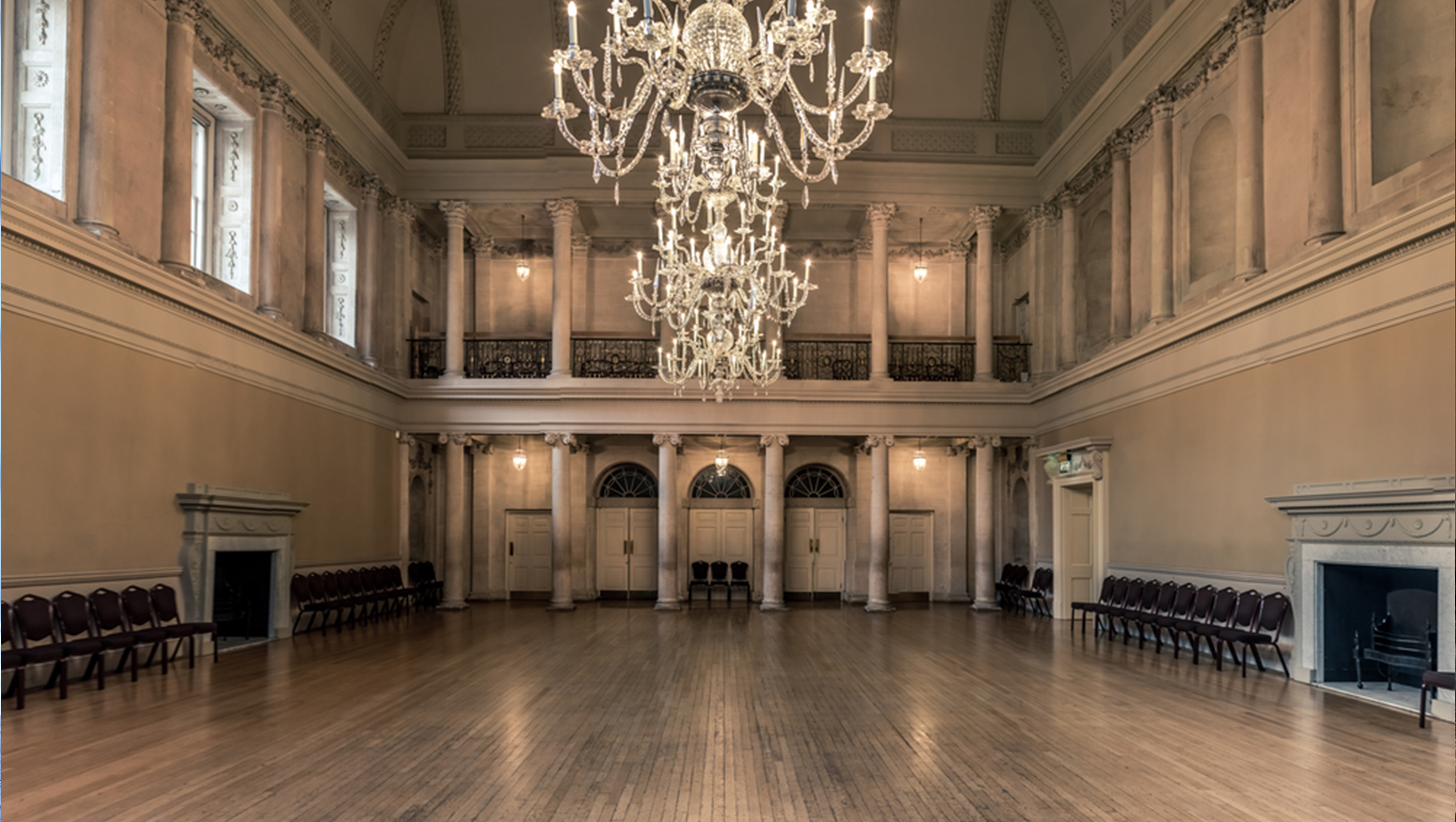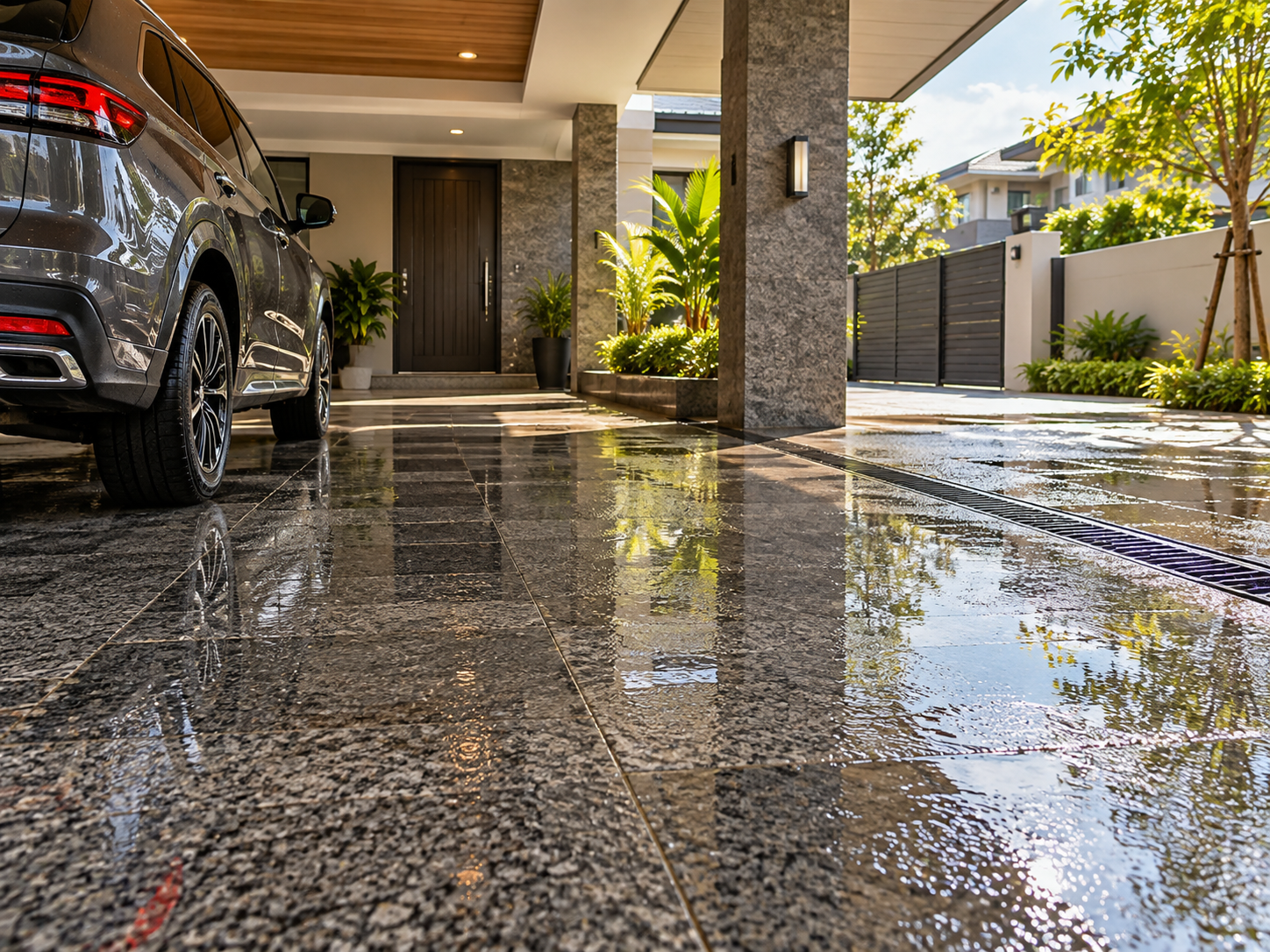





Choosing granite based only on a catalog may not always be enough to imagine how it will look in an actual room. A color or pattern that looks attractive on a single tile may create a different impression once applied across a larger area.
To make the selection process easier, you can use the VELLINO Visualizer. This feature allows you to preview granite applications before renovation, making it easier to compare several options.
What Is the VELLINO Visualizer Used For?
The VELLINO Visualizer is a tool that helps you see how granite may look when applied virtually to a room.
With this feature, you can try different colors and patterns to see which ones better suit your interior concept. The visualization can also help you assess how the granite works with other elements, such as:
- Wall colors
- Kitchen sets or cabinetry
- Furniture
- Lighting
- Wood or metal materials
- The overall design concept
For example, you may be considering beige granite for a warmer atmosphere and grey granite for a more modern look. Both options can be previewed through the Visualizer before you decide which products to shortlist.
How to Use the Visualizer
The Visualizer can be used as an initial step before purchasing granite.
Choose a Room or Upload a Photo
Open the VELLINO Visualizer, then select the room you want to use for the simulation.
If there is an option to use your own room photo, you can take advantage of it to create a visualization that is closer to the actual condition of your space.
For better results, use a photo with sufficient lighting and a clear view of the floor or wall area. This can make it easier to assess how the granite pattern relates to the furniture and other interior elements.
Try and Compare Granite Patterns
Once you have selected a room, try several granite patterns with different characteristics.
You can compare:
- White or cream for a brighter look.
- Beige for a warm and natural atmosphere.
- Grey for modern or minimalist interiors.
- Marble-look patterns for a stronger visual statement.
There is no need to decide on one option immediately. Try two or three candidates first to see which one best matches the atmosphere you want to create.
Tips for Choosing Products Based on the Visualization
The Visualizer can help narrow down your options, but your final decision should still consider several factors.
1. Pay Attention to Pattern Scale
A pattern that looks subtle on a small sample may appear more dominant when applied across an entire floor or wall.
If the room already contains many decorative elements, a simpler granite pattern may help keep the overall look balanced.
2. Match It with the Furniture
Consider how the granite color works with the furniture already in the room.
Beige or cream granite can be paired with wood elements to create a warmer atmosphere. Grey, on the other hand, can support a more modern interior character.
3. Consider the Lighting
Lighting can affect how granite colors appear.
A room with plenty of natural light may show colors differently from a space with more limited lighting. For this reason, the Visualizer should be used as an initial reference rather than the only basis for choosing a product.
4. Match It with the Function of the Room
Do not choose based on appearance alone.
Make sure the surface characteristics, size, and product specifications are suitable for the intended area, whether it is a living room, kitchen, bathroom, or another space.
Continue to the VELLINO Product Page and Store Locator
After finding several options through the Visualizer, visit the VELLINO product page to learn more about the patterns, sizes, surface characteristics, and specifications of each collection.
Once you have shortlisted a product, use the VELLINO Store Locator to find the nearest showroom.
It is recommended to contact the store first to confirm product availability. By seeing the sample in person, you can compare the color, pattern, and surface characteristics before making your final decision.
With the Visualizer → product page → Store Locator flow, choosing granite before renovation can become more structured and less dependent on guesswork.
FAQ
What is the function of the VELLINO Visualizer?
The VELLINO Visualizer helps provide a virtual preview of how granite patterns may look in a room before you choose a product.
Can the Visualizer be used to compare several patterns?
Yes. You can try different granite options to compare their colors and visual characteristics.
What should I pay attention to when reviewing Visualizer results?
Consider the pattern scale, furniture colors, lighting, interior concept, and the function of the room.
Will the Visualizer look exactly the same as the actual product?
Not always. Colors may appear differently depending on your device screen and room lighting. It is still recommended to view the physical product sample in person.
What should I do after finding a suitable pattern?
Review the specifications on the VELLINO product page, then use the Store Locator to find the nearest showroom.
Popular Products
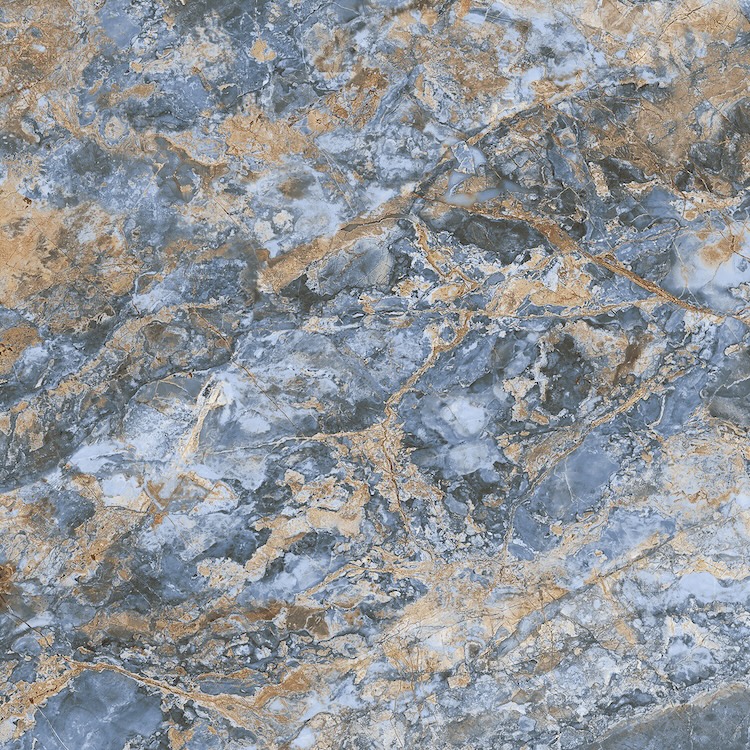
RIVIERA AZUL

VALLA WHITE

Matt Vitori Charcoal

Vacio Gris